

 Image 1 of 5
 Image 2 of 5
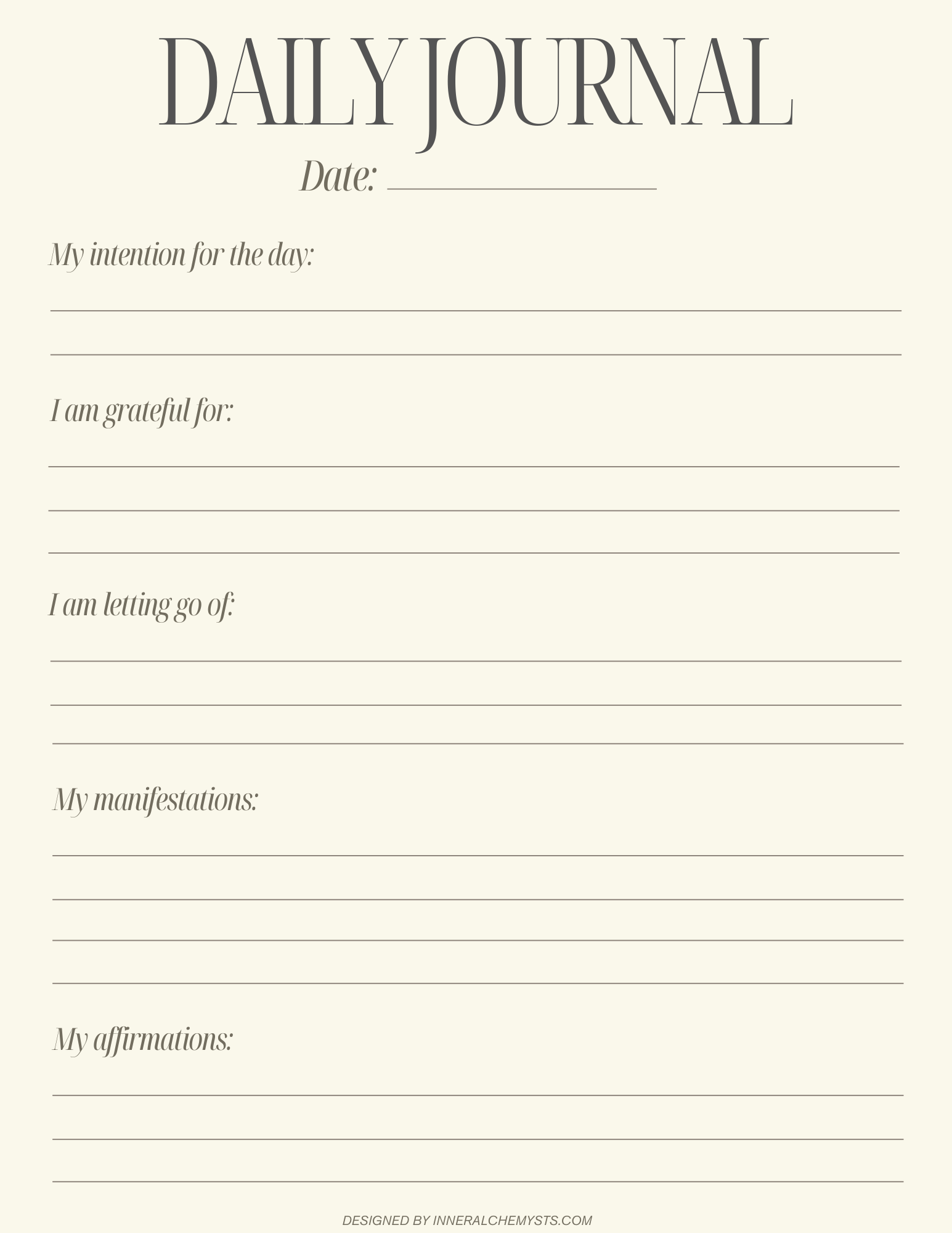 Image 3 of 5
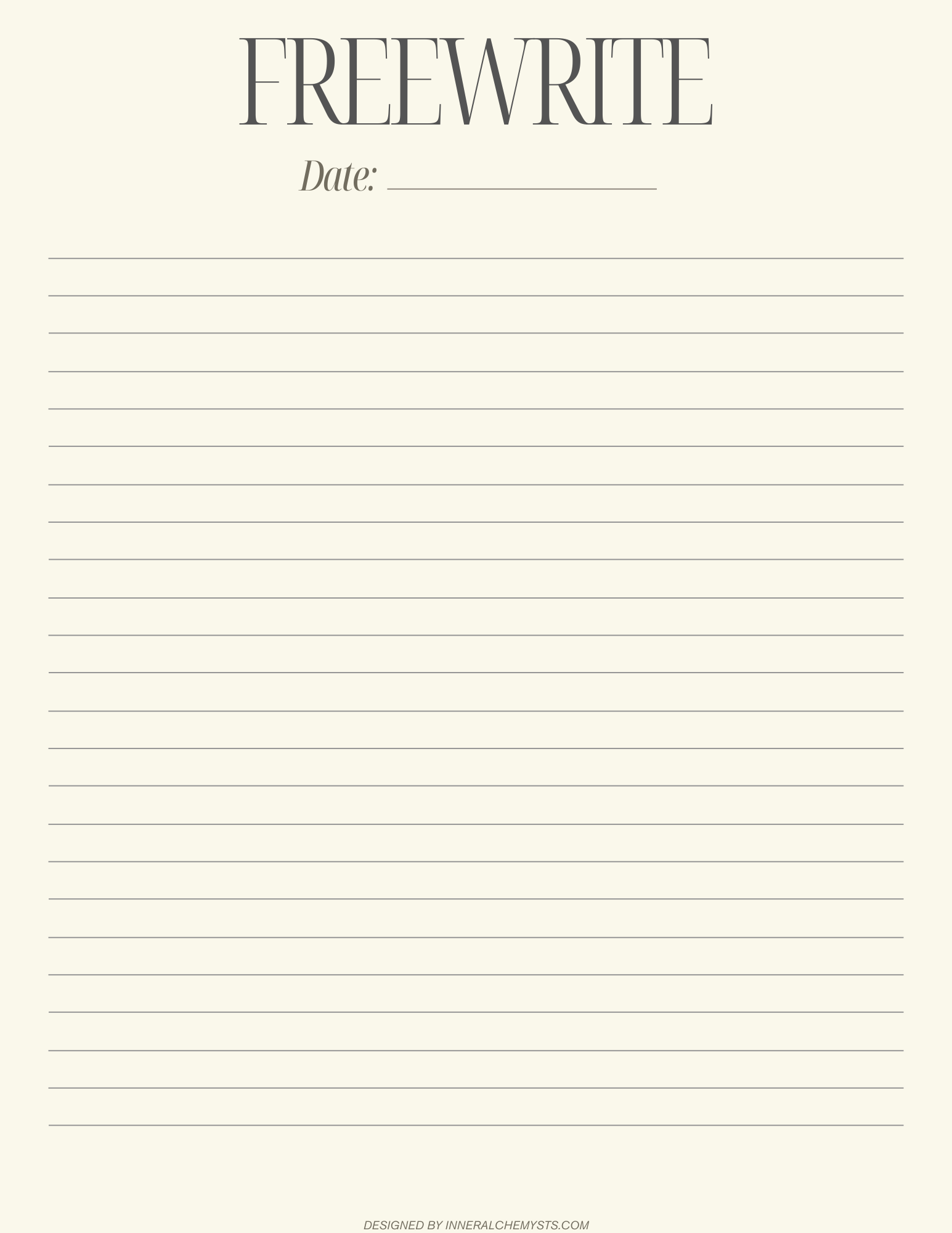 Image 4 of 5
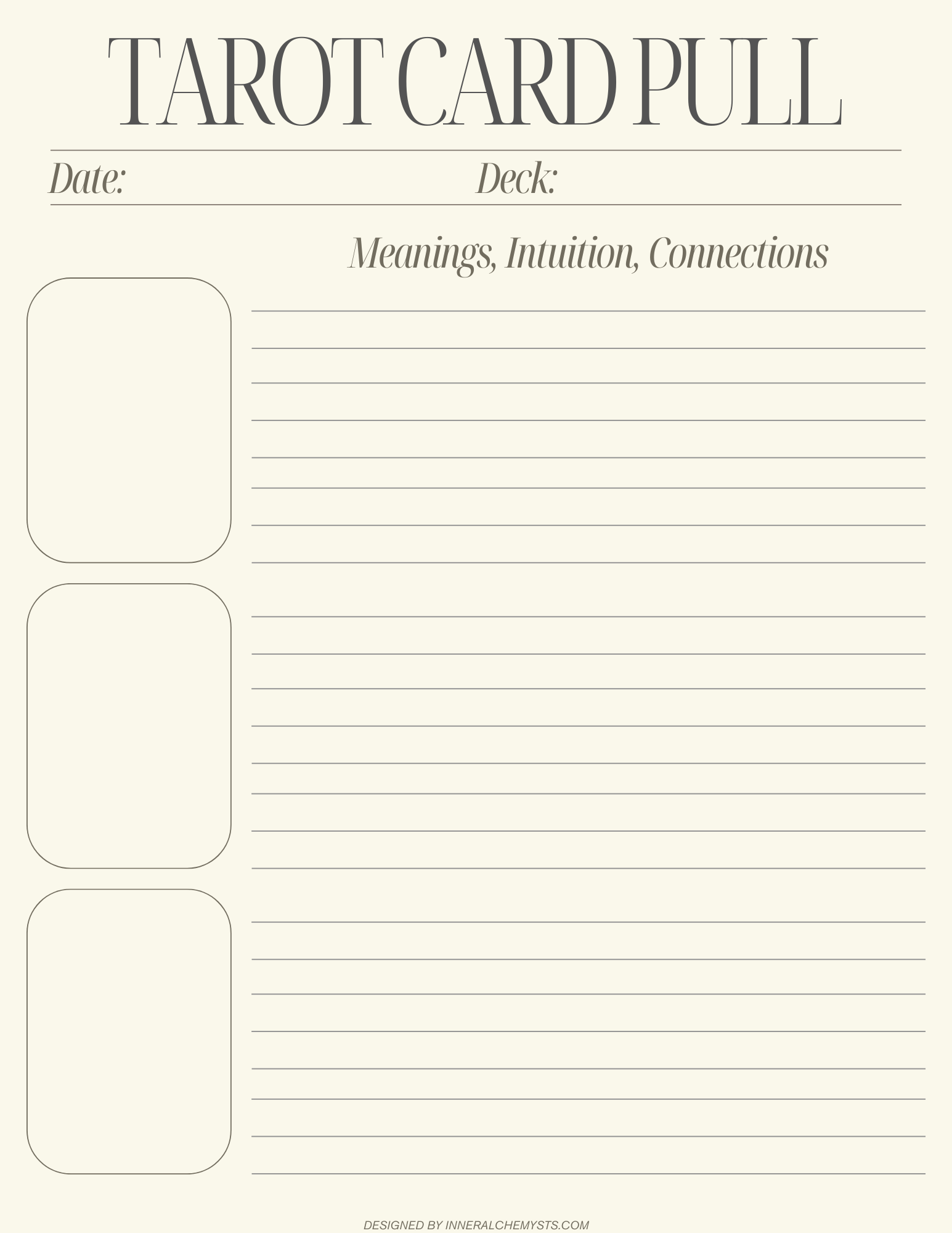 Image 5 of 5
This journal is meant to be flexible and intuitive. There is no right or wrong way to use it. Allow it to support you in slowing down, noticing patterns, and bringing awareness into your daily experience.
What’s included:
A printable and digital-friendly PDF journal
Space for reflection, pattern recognition, and daily intention setting
Designed for use in GoodNotes or as a printable journal
Follow these simple steps to use your journal digitally.
Download the PDF journal to your device.
Open the Files app on your iPhone or iPad.
Locate the downloaded PDF.
Tap the Share icon.
Select Open in GoodNotes or Copy to GoodNotes.
Choose whether to import it as a new document or into an existing folder.
The journal will now open inside GoodNotes and is ready to use.
Tip: Use the pen, text, or highlighter tools in GoodNotes to personalize your reflections.
This journal is meant to be flexible and intuitive. There is no right or wrong way to use it. Allow it to support you in slowing down, noticing patterns, and bringing awareness into your daily experience.
What’s included:
A printable and digital-friendly PDF journal
Space for reflection, pattern recognition, and daily intention setting
Designed for use in GoodNotes or as a printable journal
Follow these simple steps to use your journal digitally.
Download the PDF journal to your device.
Open the Files app on your iPhone or iPad.
Locate the downloaded PDF.
Tap the Share icon.
Select Open in GoodNotes or Copy to GoodNotes.
Choose whether to import it as a new document or into an existing folder.
The journal will now open inside GoodNotes and is ready to use.
Tip: Use the pen, text, or highlighter tools in GoodNotes to personalize your reflections.