20 Shadow Work Journal Prompts is a guided digital journal designed to help you explore your inner world with honesty, compassion, and clarity. This thoughtfully curated prompt set supports deep self-reflection, emotional awareness, and the integration of hidden or suppressed parts of the self.
Perfect for beginners and seasoned journalers alike, these prompts encourage you to uncover subconscious patterns, release limiting beliefs, and develop a deeper relationship with yourself. Use them as a monthly reset, a healing practice, or whenever you feel called to reflect and realign.
What you’ll gain:
Greater self-awareness and emotional clarity
Insight into recurring patterns and triggers
A safe space for inner healing and integration
Tools to transform shadow into personal power
Ideal for anyone on a journey of personal growth, healing, and intentional living.
How to Import the PDF into GoodNotes
Follow these simple steps to use your journal digitally.
Download the PDF journal to your device.
Open the Files app on your iPhone or iPad.
Locate the downloaded PDF.
Tap the Share icon.
Select Open in GoodNotes or Copy to GoodNotes.
Choose whether to import it as a new document or into an existing folder.
The journal will now open inside GoodNotes and is ready to use.
Tip: Use the pen, text, or highlighter tools in GoodNotes to personalize your reflections.
20 Shadow Work Journal Prompts is a guided digital journal designed to help you explore your inner world with honesty, compassion, and clarity. This thoughtfully curated prompt set supports deep self-reflection, emotional awareness, and the integration of hidden or suppressed parts of the self.
Perfect for beginners and seasoned journalers alike, these prompts encourage you to uncover subconscious patterns, release limiting beliefs, and develop a deeper relationship with yourself. Use them as a monthly reset, a healing practice, or whenever you feel called to reflect and realign.
What you’ll gain:
Greater self-awareness and emotional clarity
Insight into recurring patterns and triggers
A safe space for inner healing and integration
Tools to transform shadow into personal power
Ideal for anyone on a journey of personal growth, healing, and intentional living.
How to Import the PDF into GoodNotes
Follow these simple steps to use your journal digitally.
Download the PDF journal to your device.
Open the Files app on your iPhone or iPad.
Locate the downloaded PDF.
Tap the Share icon.
Select Open in GoodNotes or Copy to GoodNotes.
Choose whether to import it as a new document or into an existing folder.
The journal will now open inside GoodNotes and is ready to use.
Tip: Use the pen, text, or highlighter tools in GoodNotes to personalize your reflections.


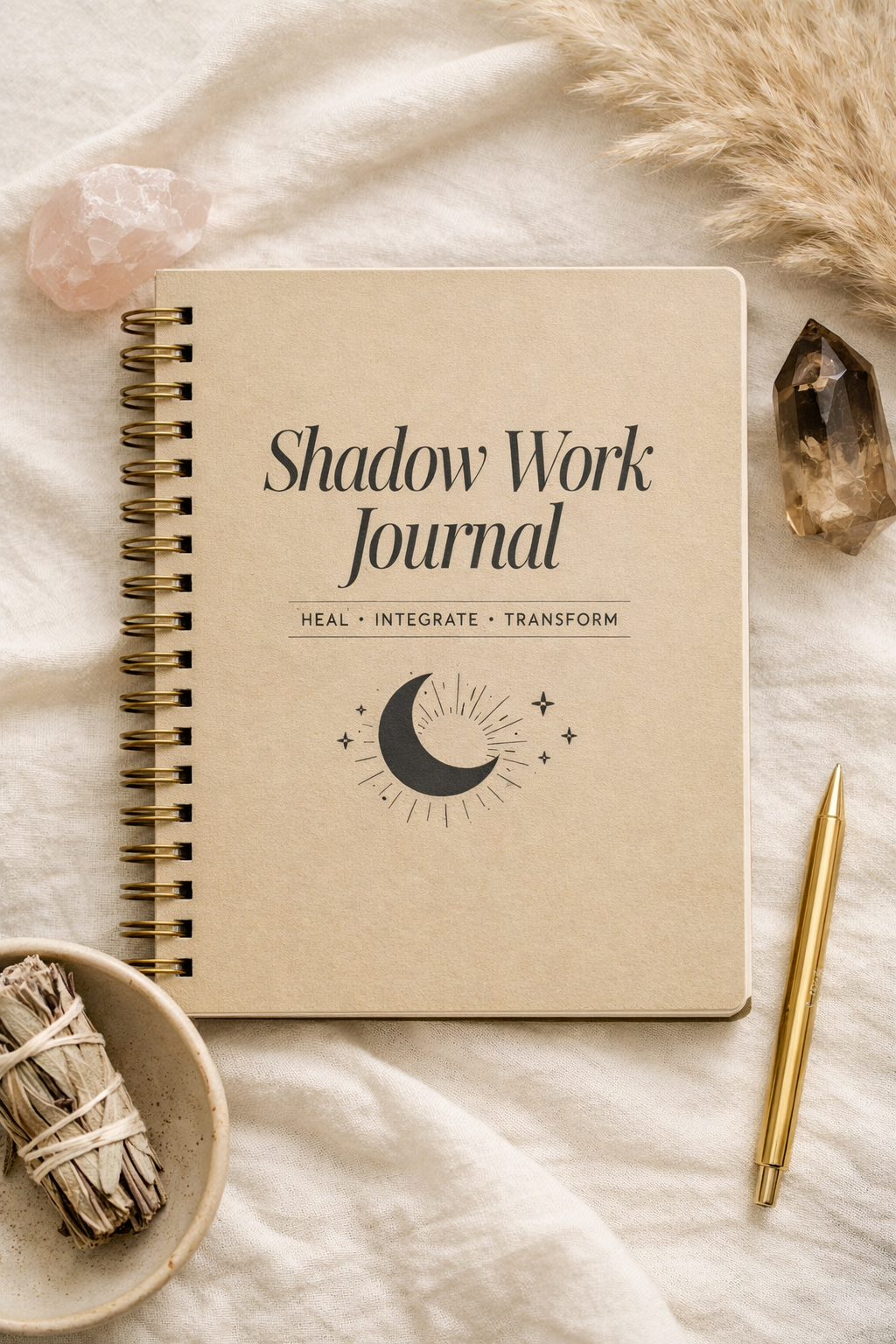 Image 1 of 7
 Image 2 of 7
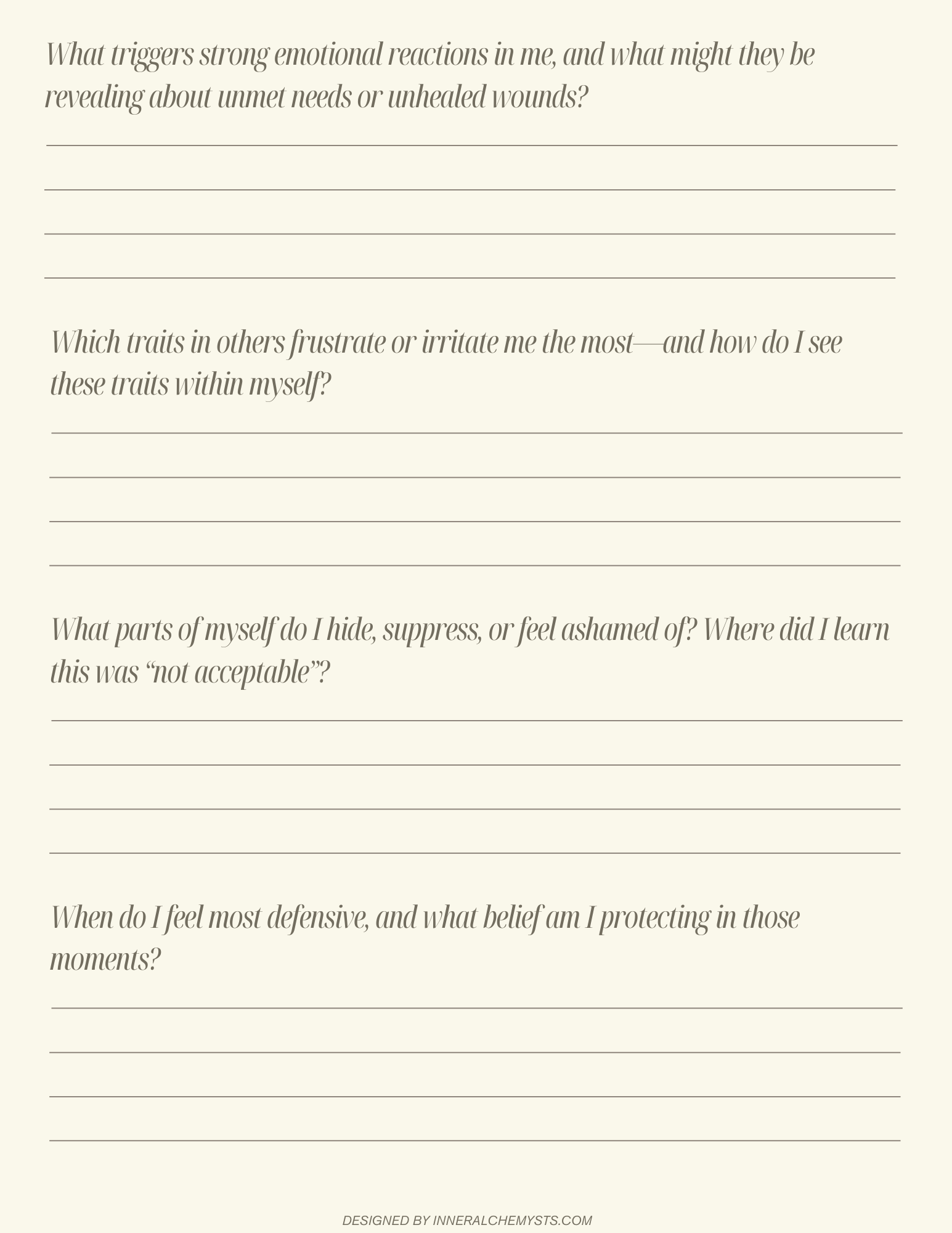 Image 3 of 7
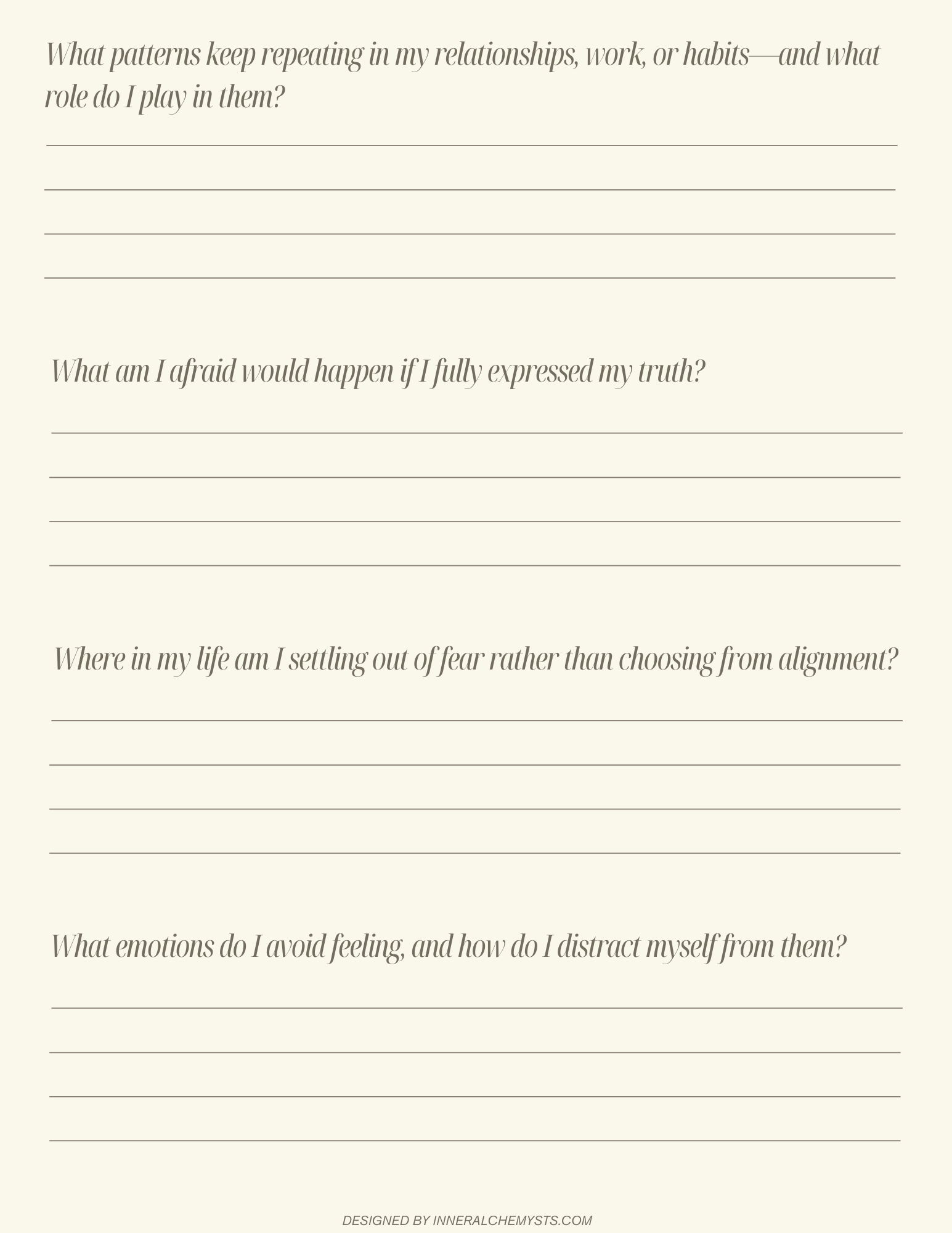 Image 4 of 7
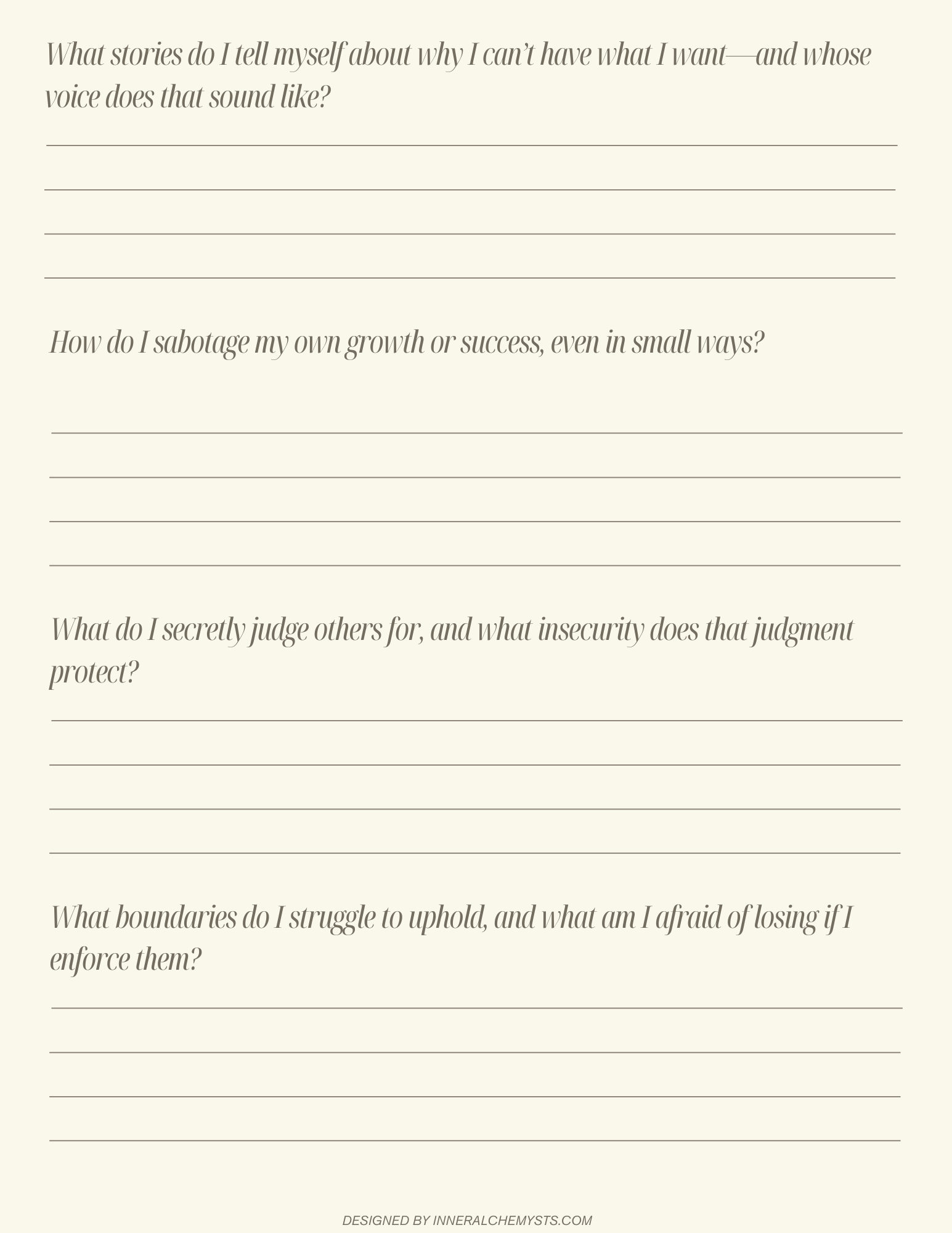 Image 5 of 7
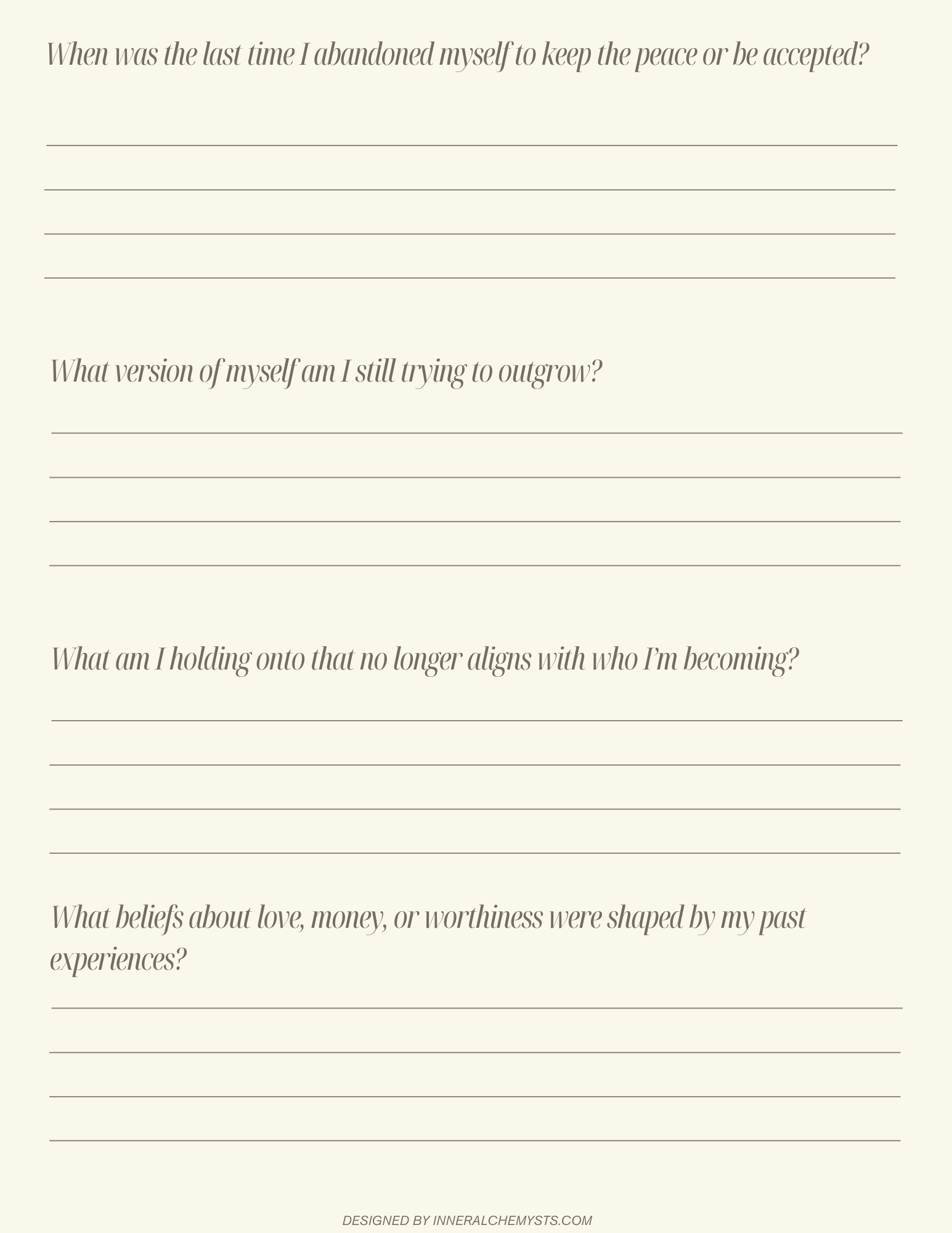 Image 6 of 7
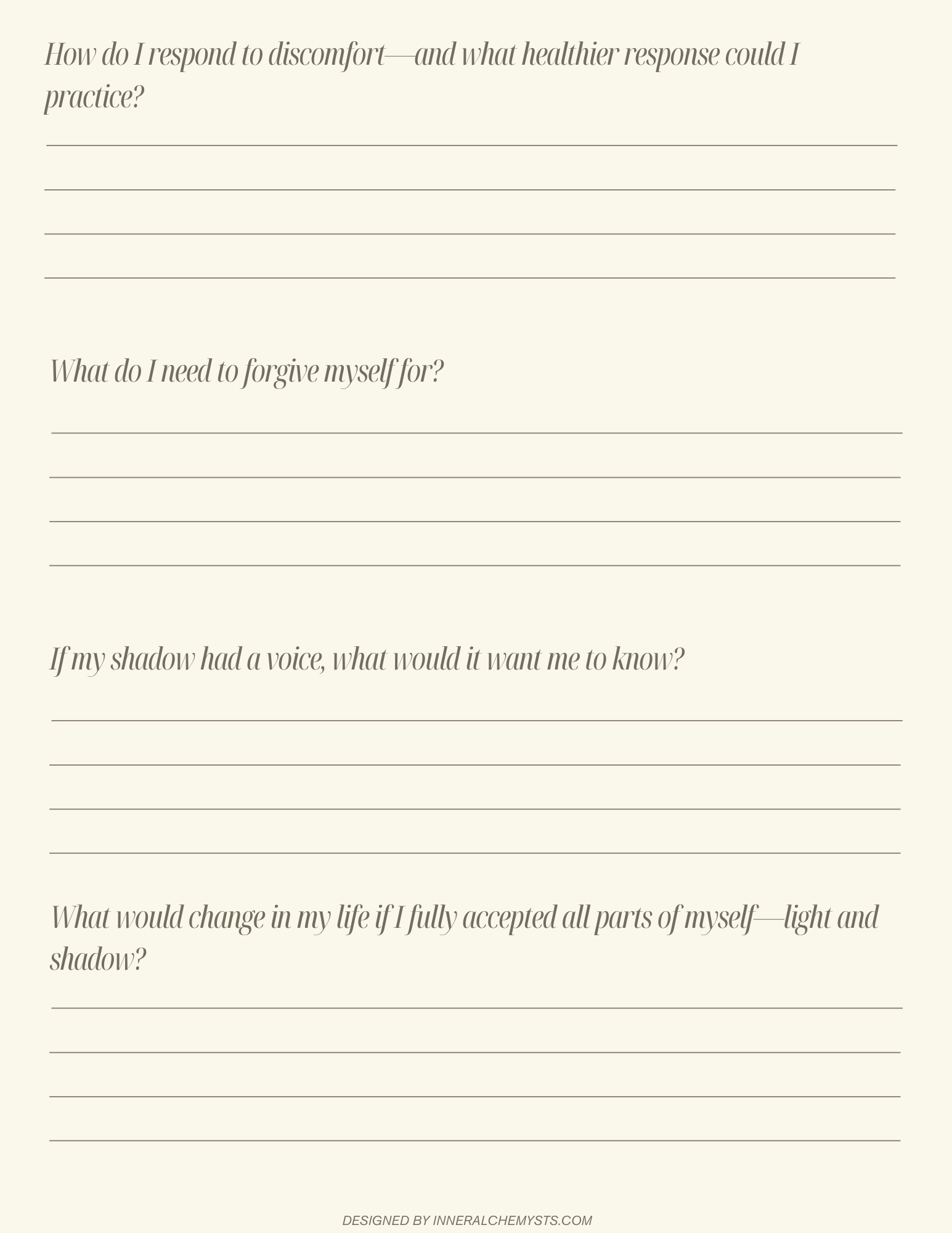 Image 7 of 7